We need your help to keep this website free. You can

Instagram is adding a way to keep an inspiring Reel in view while recording, alongside a separate batch of Edits updates for audio links and reusable styles. The reference feature is launching on iOS. You'll find it through a Reel's menu in Instagram.
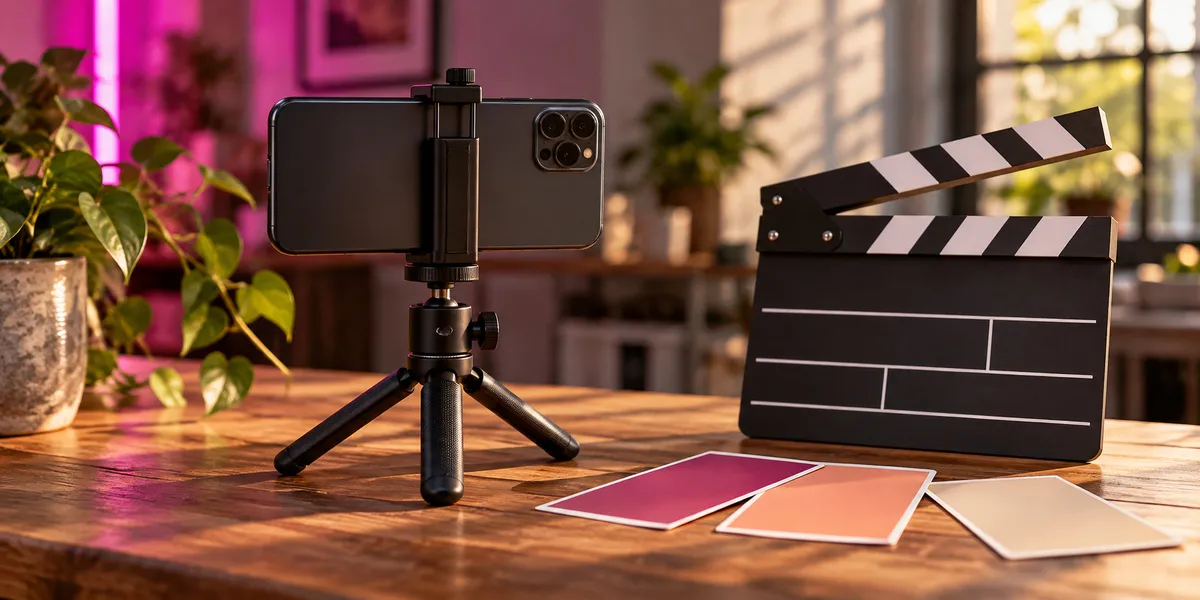
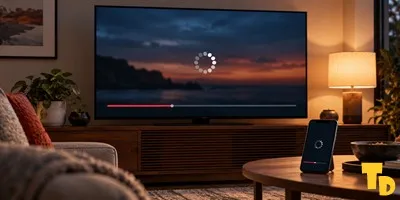
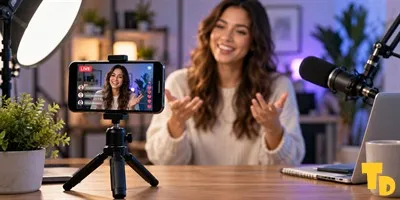
Thumbnail Downloader editorial illustration of a phone filming setup and visual planning materials; it is not an Instagram screen or an official Meta product photograph.
Choose a Reel shorter than 90 seconds and open its three-dot menu. Use as reference brings a small player into the camera screen, according to the official creator announcement. Pause the example to rehearse, or move the window out of the way of your subject. Then film.
From the camera to Edits
Think of rehearsing a transition: you may need to see exactly where a hand enters the frame before making your own take. Keeping that moment beside the camera saves a trip back to the original post. Instagram's instructions end with recording; they don't describe dropping the reference footage into your edit.
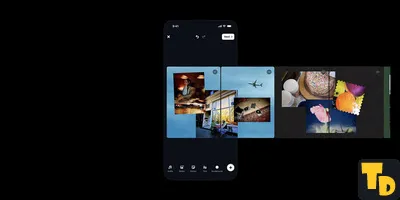
In Edits, Meta is adding clickable audio links and Kits that save styles for reuse, plus 50 video effects. Its Edits announcement also highlights topics followers are watching; Social Media Today reports the trending-insights feature currently requires more than 10,000 followers.
Preparing the next post
A Kit could be handy for a recurring series, where you'd otherwise rebuild the same look for each post. That's editing preparation, while the reference player helps with filming. Neither replaces the carousel-creation tools in Edits. For decisions beyond the shot itself, see our Reels creation guide coverage.
If the plan includes reusing somebody else's clip, check copyright permission separately. The announced reference feature lets you watch an example while making your own recording.