We need your help to keep this website free. You can


Auk released two updates to its video editor on November 11 to address failed saves and sessions that end unexpectedly. Version 1.25.0 saves the latest changes when a user switches tabs, locks a phone or closes the page. It also retries when a save cannot connect.
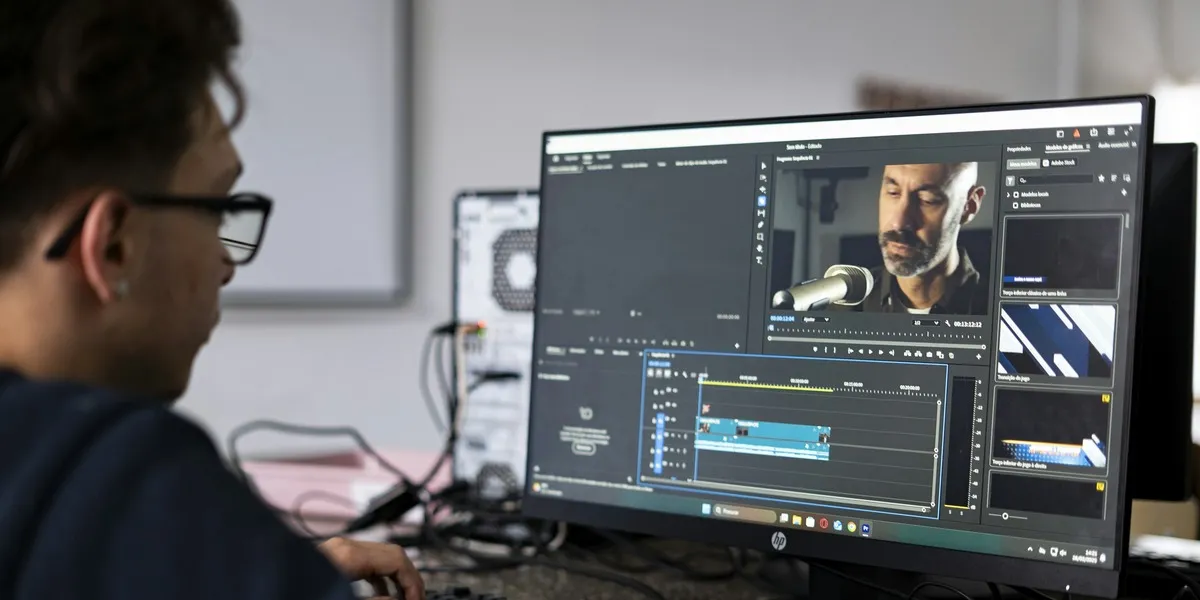
Source: André Eusébio / Unsplash, Unsplash License. Cropped June 2025 archive photograph of a video editor at a workstation running Adobe Premiere Pro. It illustrates editing work and does not show Auk.
A second build, 1.25.1, changes the message shown when an invalid part of a clip prevents saving. The developer’s release notes say the editor now explains what needs changing. If the account becomes signed out during an edit, the clip stays on screen until the user signs in again.
Which copy of the edit should survive?
Version 1.25.0 also addresses a conflict that can arise when the same clip is open in two tabs or on two devices. The copy that has fallen behind offers a choice: load the other version or keep the current one. Auk says this prevents the copies from writing over each other. A line below the top bar indicates when saving is failing.
The choice matters when the two sessions contain different corrections. One might have a revised caption while the other has a new crop. Choosing a copy establishes which set of decisions the editor should keep. The release notes describe a version choice, rather than promising to combine every change made in separate sessions. Creators therefore still need to recognize the version they intend to finish.
Follow the change from project to download
Auk’s editor guide already described automatic saving before this release. Close saves before returning to the project list, and Publish saves before opening the publishing step. If saving fails, the editor stays open and explains why. The new checks concentrate on interruptions around that existing workflow. This is particularly relevant on a phone, where locking the device can end an editing session without a deliberate visit to Close.
Next comes the rendered file. The download guide says the latest changes are saved first, followed by a fresh render if the existing one is out of date. The result is a vertical H.264 MP4, 1080 by 1920 pixels at 30 frames per second. Captions, text and framing are included in that video. Editing decisions and a playable export are separate stages in non-linear editing.
Our coverage of Klo’s transcript tools concerns making those decisions. Auk’s changes concern preserving them before the file leaves the editor. A scheduled Auk post waits for the new render when necessary, according to the export guide. That publishing step also differs from the project handoff described for Edits. The recovery behavior reported here comes from Auk’s documentation; it has not been independently tested for this article.