We need your help to keep this website free. You can


Affinity's iPad app has arrived, but bulk production is one part of the desktop workflow it has not brought along. The November 2 release combines photo editing, vector drawing and layout on a tablet. Its launch FAQ lists Batch, Data Merge and macro recording as unavailable.
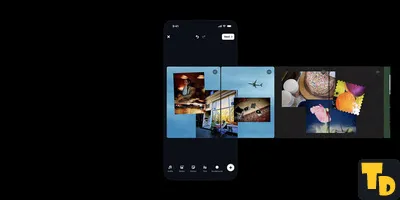
Thumbnail Downloader editorial illustration of a tablet and desktop displaying a shared design composition; this is a generic workflow scene, not an Affinity interface screenshot.
There is still a useful handoff for an individual design. Affinity says the iPad and desktop apps share the .af document format, so a cover project can travel between them. The launch announcement also describes touch and Apple Pencil support.
One working file, several finished covers
Suppose a cooking channel uses one layout for a whole series. The designer could continue that editable project on the tablet, then export a cover as JPEG or PNG. Both formats appear in the iPad FAQ. Producing a batch of title variations is another task, and the missing automation tools would have to be accounted for.
Keeping the project is useful even after exporting an image. Affinity advertises non-destructive photo editing, which leaves room to revise earlier decisions. A finished cover and the document used to make it serve different purposes.
The free tools and the AI extras
Individuals can use the core app free after signing in with a Canva account. Premium Canva AI features are separate. That distinction matters when comparing the app with Canva Craft's image generation: making source imagery and arranging the final cover are different pieces of the job.
Our report on Edits Plus syncing limits raised a related handoff question. Here, Affinity's specific promise is a common document format. That establishes file compatibility; it should not be stretched into a claim that every desktop feature, or a particular cloud-sync service, is included.