We need your help to keep this website free. You can


Captions Bro updated its Android editor on November 9 with a timecode that moves as the editor plays or scrubs a project. Version 0.1.16 also changed how timeline rows move under a finger and fixed a freeze that could occur when playback started immediately after scrubbing.
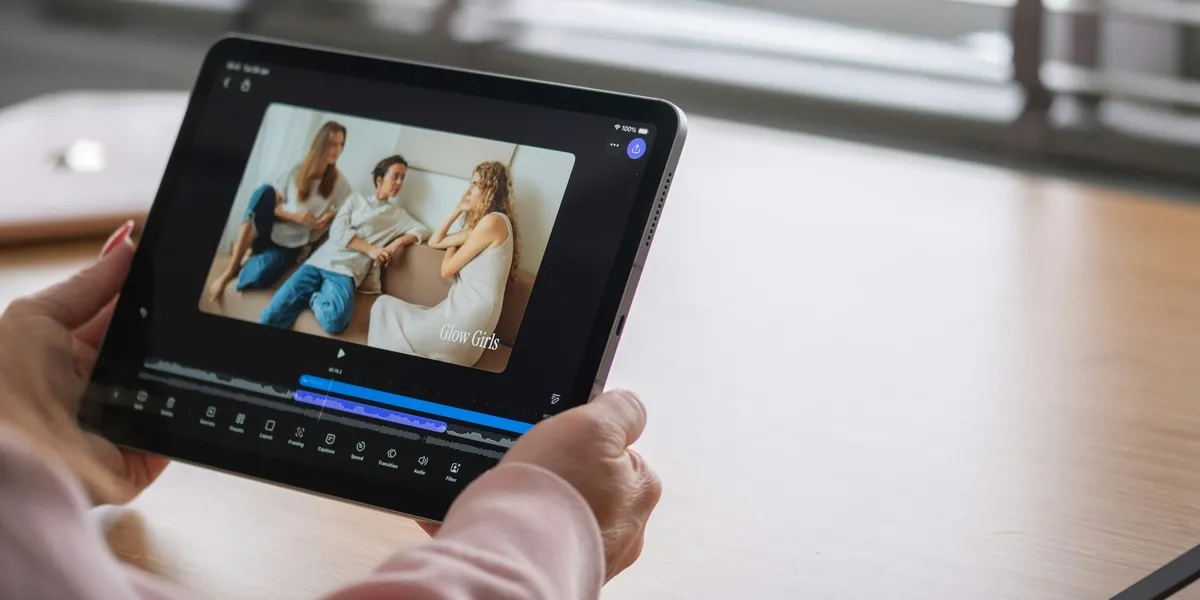
Source: Detail.co / Unsplash, Unsplash License. Cropped archive photograph of a video podcast being edited in the Detail studio. The interface shown is from that workflow.
The developer’s release notes put the ruler change one build after an update that fixed Play and Pause jumping forward from the marked position. The two releases address different moments in an edit. The November 8 build fixed where playback starts and stops. The November 9 build makes the current position visible while the editor moves through the footage.
The ruler helps when a cover frame sits near a cut
A playhead is the marker for the current point in a non-linear editing timeline. Moving it is how an editor checks the frame where a title first clears, a subject turns toward the camera, or an overlay ends. For a short video whose cover will be taken from the footage, writing down that position makes it easier to return to a candidate after comparing it with the frames immediately before and after it.
The same mark can help when the preview and final file are checked separately. If an editor chooses an image just before a title appears, they can return to that part of the rendered video to see whether the face and title are still framed as intended. The ruler operates inside Captions Bro. The published notes describe no change to the controls a social platform offers for choosing the cover.
Audio and captions have their own checks
The Android update also addresses a short delay when playback begins on audio whose speed has been changed. The release notes say automatic captions no longer time out just because the app is in the background. Those fixes apply to two different jobs: hearing what starts at an edit and waiting for transcription to finish. A caption editor can still check the first spoken word against the visible subtitle, especially on a clip where the speed was changed.
The developer also lists smoother previews for projects that combine photos, cutouts, overlays and formats such as 4K HEVC. The notes describe playback in the editor, so a smoother preview does not establish faster exports. The distinction resembles the gap between preparing a video and choosing its final placement in Instagram Edits’ Mac workflow. A creator can use the ruler to locate the frame, check it against the crop on the destination, then use the placement rules in that app. Instagram’s Reels editing guide concerns that separate publishing surface.