We need your help to keep this website free. You can


Bana Video released version 0.3.0 for Windows on November 13, adding ways to turn clips off and remove gaps from a timeline. The update also introduces a full menu bar, loop playback and a command to fit the timeline into view. A macOS version is still listed as coming soon.
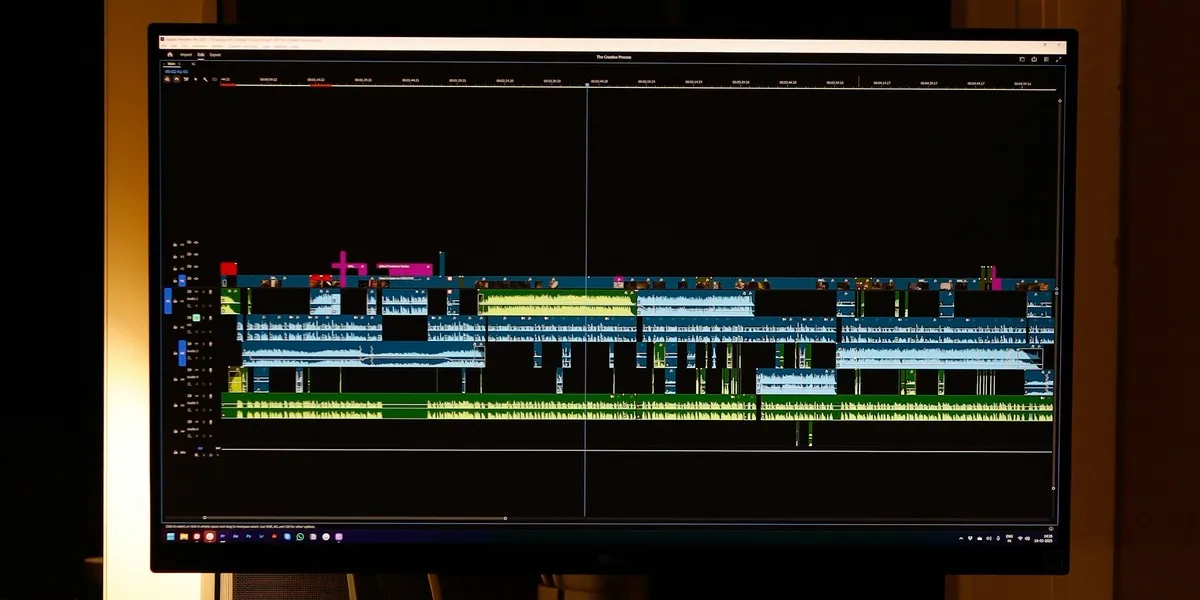
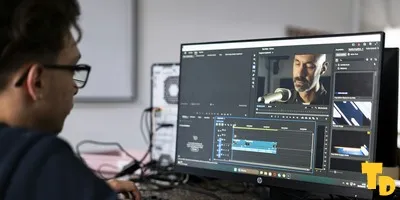
Source: Rohit Kumar / Unsplash, Unsplash License. Desktop video-editing timeline photographed in May 2026. The archive photograph shows an Adobe Premiere Pro workspace. Cropped.
The release notes describe a disabled clip as one that remains in the project but is skipped during playback and export. Editors can use Shift+E, the Clip menu or the eye control on the clip. Gaps can now be selected directly and closed with Delete or the Close gap command; a track-level menu can close every gap on that track.
Keeping an alternative take is different from tightening a cut
Consider a short tutorial with two versions of its opening explanation. Disabling the unused take provides a way to keep that alternative available without including it in the exported video. Closing a gap deals with empty space between material that remains in the sequence. These are separate decisions: which footage belongs in the output, and how the retained footage is arranged in time.
That distinction follows the basic logic of non-linear editing, where software records editing decisions while the original media can remain intact. It is useful when making several versions of a creator video from the same recordings. A reversible choice in the timeline can be revisited during review, rather than requiring the editor to import and place an alternative take again.
What changes around the editing session
Version 0.3.0 also starts a fresh Showrunner conversation when another project is opened. Failed generations can be dismissed, and editing a Graphics scene sends the correct input files again, according to the developer. Those are specific changes around project context and generation requests. They are not evidence that the app has independently checked the accuracy or quality of a finished video.
Bana's product description presents Showrunner as an assistant that plans work and carries it out on an editable timeline. The same site describes a conventional editor alongside it, with media, text, audio and other editing tools. The new cleanup controls belong to that hands-on part of the workflow. They can matter even when a creator has no reason to generate a new image or ask an assistant to assemble a cut.
The update arrives alongside other recent approaches to finishing creator videos, including Edits' speed and audio controls and Auk's project recovery changes. These announcements address different parts of production; they do not establish that one application performs better than the others.
There is also a deployment detail for existing Bana users. The installed app updates in the background, while the portable build must be downloaded again to receive a newer version. The release page offers Windows x64 downloads and keeps older builds available. Creators should check which build they use before expecting the November 13 controls to appear automatically.