We need your help to keep this website free. You can


Auk Video added a 16:9 picture-in-picture box in version 1.32.0, released November 21. The box gives editors a widescreen slot for a screen recording or a second camera while keeping the main composition in place. The same browser editor update adjusts the Reframe preview and fixes how landscape clips appear in several parts of the app.
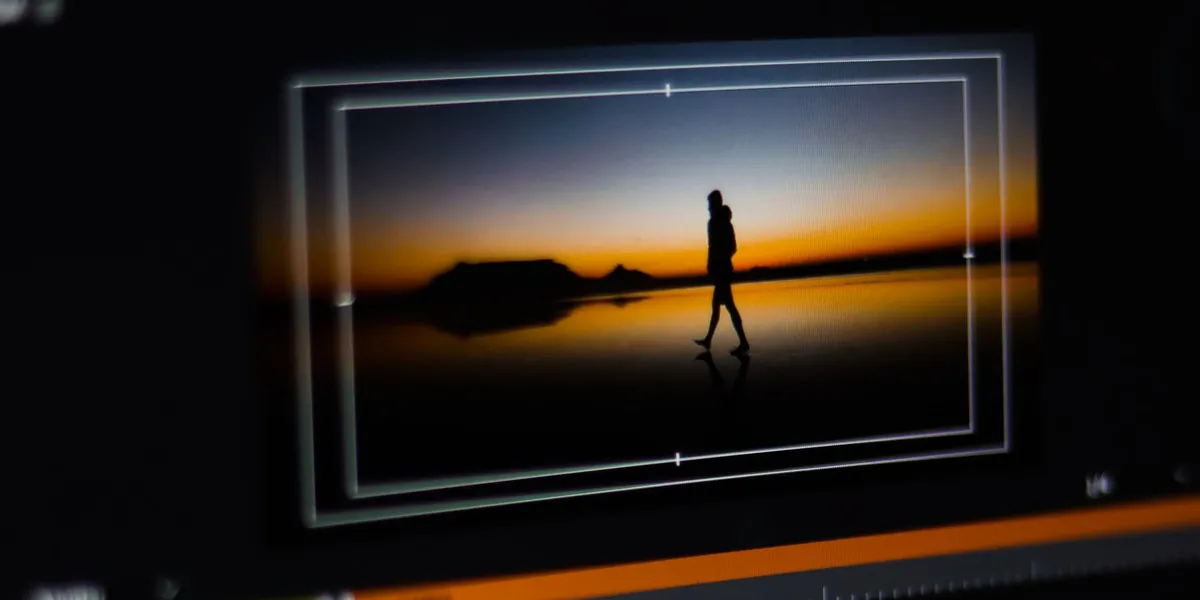
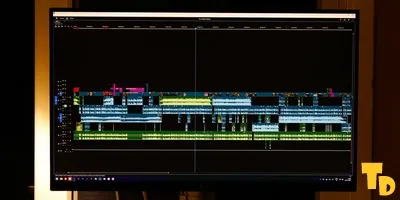
Source: Fuka jaz / Pexels, Pexels License. Cropped archival photo of a widescreen video preview and framing guides in Adobe Premiere Pro.
Picture-in-picture already sat on top of Auk's layouts. The new option concerns the shape of that one box. A tutorial can still use a vertical main frame for a short video while the screen share inside it keeps the proportions of the original capture. Editors can make that choice separately from the shape of the clip they plan to publish.
What changes when you reframe a clip
Auk's 1.32.0 release notes say the Reframe preview now follows the clip's own shape. Shape and Fill frame are the labels for the box controls, and the layout options for landscape clips sit side by side in the editor. To change the clip's volume, editors now select the main video and use the Videos panel in place of the previous control above the preview.
The Reframe documentation describes different ways to keep a speaker and a shared screen visible. Facecam can give the speaker a band above the screen, Fit shows the wide frame whole, and a picture-in-picture box can float over the existing layout. The widescreen box is useful when the inset itself holds information near both edges, such as a chart legend and the end of a line. Fitting the inset can preserve those details, although they may still be small on a phone.
That is a different decision from the separate crop controls in VSCO, where the crop belongs to the image being edited. Here the editor can judge the main frame and the inset on their own, then see how the two work together at viewing size.
The preview, the published frame and the cover
Landscape clips now appear whole in the Clips, Projects and Publishing tiles, where Auk says they had been cropped. The company also says that captions and titles from templates and brand scenes now land inside landscape frames. Those are changes to the workspace and the placement of the graphics. A creator choosing a cover still needs to check the destination's own preview and crop.
YouTube's Shorts guidance, for example, describes classification by the dimensions and length of the uploaded video. A widescreen inset within a vertical export leaves the overall video vertical. That makes the inset a layout choice while the outer frame remains a publishing choice. Auk's earlier save and recovery update dealt with a separate step in that workflow.