We need your help to keep this website free. You can


OBS Studio released version 33.0.2 on November 20 and fixed two settings that can shape how a livestream ends up as a replay or an edited video. The release corrects a problem that let YouTube's AutoStart setting overwrite the separate AutoStop value. It also addresses a failure to split Hybrid MP4 recordings at the selected time interval. The two changes affect different files and controls even if a creator relies on both for the same show.
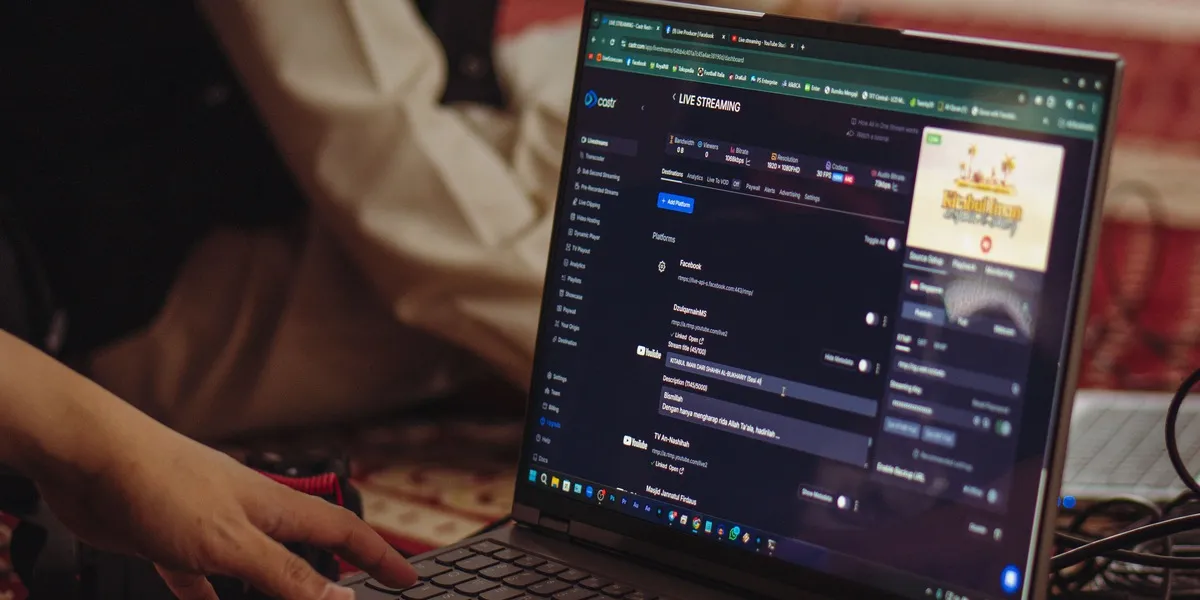
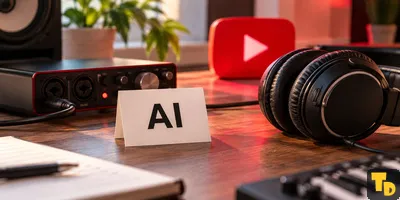
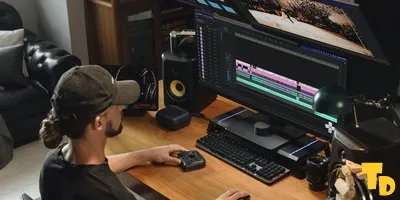
Source: Defrino Maasy on Pexels, cropped. Archive photograph of a livestreaming workspace.
Consider a creator who starts a show from OBS but finishes it manually in YouTube's control room. That workflow can call for AutoStart and AutoStop to have different values. The project's record of the correction identifies the earlier behavior as copying one value to the other. When both settings were meant to be the same, the copy may have made little difference. Separate choices made it consequential.
The live event and the local recording
For creators building a video from the live replay, the first question is what happens at the encoder and the second is what happens on the platform. Stopping OBS ends the feed it sends. Whether the YouTube event closes automatically is a separate choice. YouTube explains the encoder workflow in its creator help documentation. Correct handling of the two settings lets the end of the event reflect the creator's chosen workflow.
The timed recording split covers the copy saved on the production computer. Creators who divide a long recording into parts can use those intervals to find a segment faster, pull a usable still for the cover, or hand a portion of a show to an editor. The fix does not create chapters on YouTube or add a thumbnail. It helps the recorder respect the split already configured for Hybrid MP4. That change happens upstream of features such as thumbnail tests for news publishers.
A release note worth reading before a show
The OBS release notes also report repairs for screen capture on Intel Macs and frequent dropouts with DeckLink audio output. They warn that certain older processors can still encounter a startup crash in this version. The project names 33.0.1 and 32.2.2 as alternatives for people affected by that startup problem.
For live production, timing matters as much as the number of changes. Creators who keep a setup for recurring shows can rehearse the end of a private stream and inspect the local files while there is time to diagnose a problem. That timing is the production equivalent of checking how an editor saves work before exit. Here the points to verify are when the live event closes and where the local recording breaks.