We need your help to keep this website free. You can


VSCO launched Studio Pro Desktop for Mac on November 17, bringing its batch photo workflow to a standalone macOS app. The editor can apply adjustments to as many as 500 photos at once and publish finished images directly to VSCO Galleries. For creators choosing still photographs for video thumbnails, the launch offers another way to prepare a consistent set of candidates.
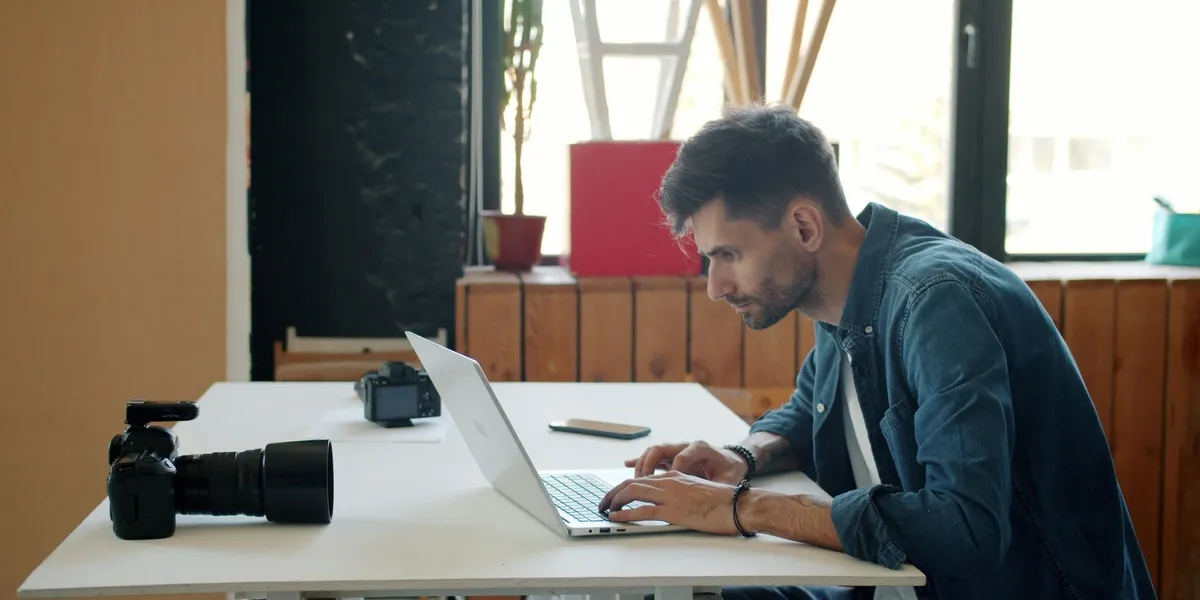
Source: Vitaly Gariev / Unsplash, Unsplash License. Photographer working at a laptop with a camera beside him, published September 23, 2025. Cropped archive photograph illustrating photo preparation; the software is not identified.
The desktop app needs an Apple silicon Mac, starting with M1, and macOS 14 Sonoma or later. VSCO's getting-started documentation says Windows is not supported and video files are skipped at import. This is a photo preparation tool within a creator's workflow, rather than a video timeline editor or a system that publishes a finished thumbnail to YouTube.
Batch colour does not mean every crop should match
The batch-editing guide sets two practical limits. A batch currently contains one file type, and crop and rotation are handled one photo at a time in the single-image editor. Presets and other adjustments can move across a selection, while each candidate still needs its own framing decision. Mixing RAW and JPEG selections is not the same operation as applying a look to a uniform batch.
For a thumbnail shortlist, that separation is useful. A creator might apply the same colour treatment to several portraits from a shoot, then frame each face separately for a wide image. Different poses leave different amounts of space around the subject. Copying a crop without checking the result can lose the very expression or object that made a candidate useful in the first place.
The guide does allow copying and pasting selected edits, including Crop & geometry. That provides a faster route when compositions genuinely match, without making identical framing a requirement. It also permits leaving some settings unselected, so pasting a colour treatment need not replace every adjustment already made to the receiving image. These are documented controls, not results from an independent speed test.
Export choices belong in the publishing plan
The desktop export instructions list JPEG and HEIC, with Original, 3840-pixel, 2048-pixel and 1280-pixel long-edge size choices. Quality has four levels. The same guide provides custom crop ratios and automatic saving of edits. A creator can therefore plan framing and output separately, while checking the exported file against the destination's actual requirements.
That still leaves a different job for the YouTube thumbnail testing tools covered here earlier. Preparing visually consistent photos does not establish which candidate viewers will respond to. Likewise, Canva's image-generation workflow starts from a different source of material. VSCO's new app starts with the photos a creator imports and edits.
VSCO's photography platform already had mobile and web tools. This release adds a native Mac editor, following the Studio Pro iPhone app introduced in June. It is free to download; the launch announcement prices Pro from $4.99 monthly or $59.99 annually. Membership controls access to the full toolset, so downloading the app alone does not unlock every preset and export workflow.