We need your help to keep this website free. You can


PandaStudio's November 23 release changes how the editor proposes YouTube chapters for short videos. Version 2.1.79 adjusts the spacing of chapter markers and cleans up names that once ended on incomplete phrases. The same update starts an automated product demo from the same saved browser state each time, so a practice run can leave the real take's starting conditions intact.
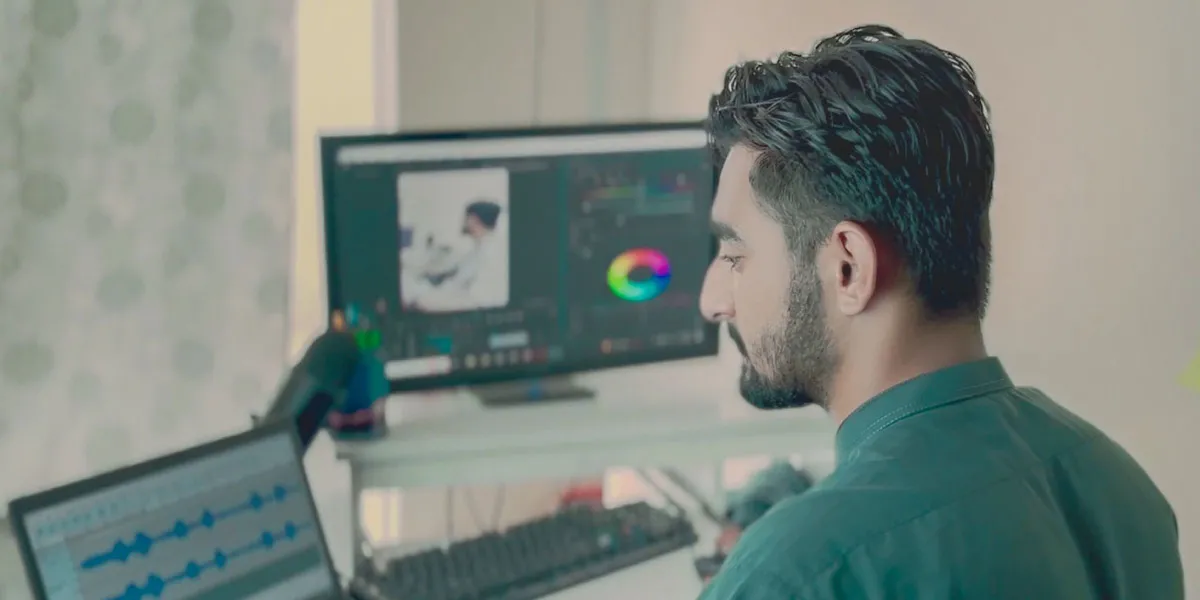
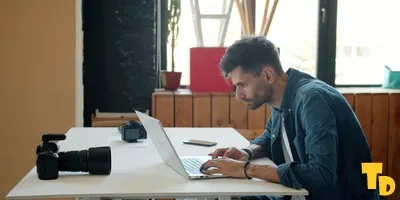
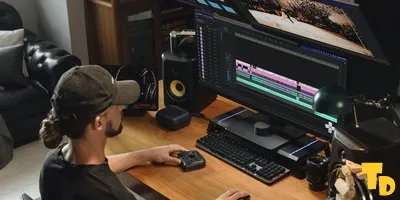
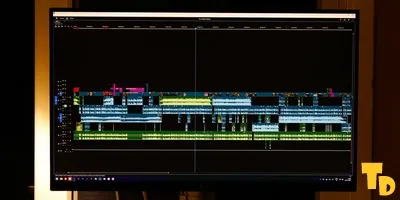
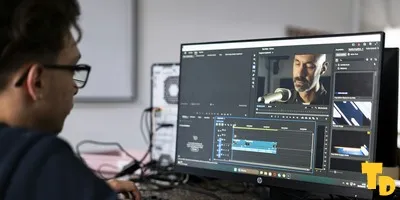
Source: Sulaiman Khan / Pexels, cropped. An editor works with a video timeline across two displays.
The company gives a two-minute video as its example. Under the old rules, a video of that length could get two chapters. PandaStudio says its new spacing would give that example five. That matters when the editor's draft is used as a YouTube description, because a chapter list can look complete in an editor and still fall short of the platform's requirements.
Why two markers were a problem
PandaStudio's earlier release addressed export delays on projects with hundreds of cuts.
The 2.1.79 release notes say the editor also filters unusable chapters when the Titles model is unavailable and improves the last words of generated labels. The changes affect the draft chapters PandaStudio generates. They do not change how YouTube decides whether to display a chapter bar.
YouTube's chapter instructions call for a first timestamp of 00:00, at least three timestamps in ascending order, and sections at least 10 seconds long. A two-minute tutorial has room for five sections that meet the minimum, but the number alone cannot establish compliance. A timestamp too close to the next one or a final segment shorter than ten seconds can still make the list unusable.
PandaStudio's publishing text guide treats chapters as part of the draft description. An editor who shortens the opening or moves a segment after generating the description has a straightforward check to make: compare the draft timestamps with the final export. The time at which a section starts can shift even when its name is still accurate. If a recording tool splits an MP4 on a timer, check the chapter starts against the assembled export.
A clean starting point for a recorded demo
The previous PandaStudio release added an automated product demonstration that becomes an editable project. The new release addresses a specific rehearsal problem: clicks made in practice could change what the next take found, such as removing a cookie banner before the camera started. The updated demo guide says rehearsals and recordings each start from the saved browser state after the creator signs in.
The release also gives a direct disk-space message during transcription and clipping when storage runs out. It improves the crash handling when one helper process exits mid-operation and explains why automatic face tracking cannot frame a pure screen recording. For a tutorial producer, the update affects several stages of a single job. The rehearsal starts predictably, the footage can be framed manually where it has no face, and the final export provides a reference for the description's chapter times.