We need your help to keep this website free. You can


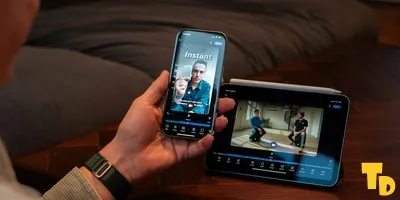
Instagram’s Edits video editor added an iPad layout in version 457.0. The November 23 release also lets creators choose the part of a clip they want before adding it to a project and lets them keep working while automatic captions run. The changes affect two points where a short edit can otherwise stall: sorting out raw footage and waiting for a caption pass.
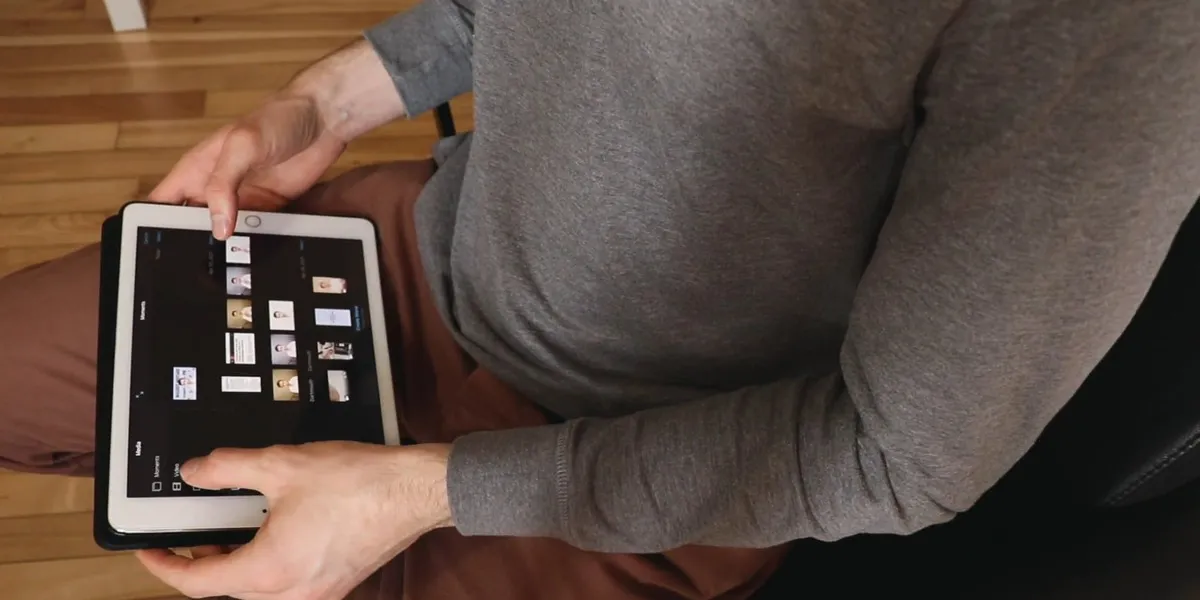
Source: Max Medyk / Pexels. Cropped archival video frame of a person editing on a tablet.
Instagram’s App Store release notes describe more room for the timeline and tools on iPad. The same listing gives iPadOS 16.3 as the minimum. The software remains available on iPhone, which matters for viewers who will judge the finished video on a much smaller screen than the one used to assemble it.
Choose the usable section before building the cut
Trimming before import changes when the editor makes a decision about a source clip. A creator cutting a demonstration could select the part that shows the action and bring that section into the timeline. For a narrated clip, the intended lead-in or a short pause before a line may still matter once music and captions are in place. Making the first selection early leaves less footage to sort through on the timeline.
The larger layout follows the Mac release of Edits earlier this month. The iPad notes describe a new layout and editing options. They give no new instructions for moving an in-progress project between devices. A project started on one device should be checked against the handoff options actually available in the app.
The update also brings color controls to Labs. Instagram says creators can bring in a .cube lookup table and convert log footage. For someone mixing a phone shot and a flatter camera profile, that places a color-conversion step inside Edits. It is a separate task from tuning motion and sound with the editor’s earlier speed curves and audio balancing.
Caption generation can run while the edit moves on
Background captions mean the editor can keep working while the app transcribes. They do not settle where a subtitle breaks once someone shortens the shot or moves a line. A final viewing on a phone can reveal a caption that blocks the main subject or crosses an important moment. That check is particularly useful when the exported clip will be posted in a vertical feed.
Meta’s original Edits announcement describes watermark-free exports for publishing to other services. The latest version keeps the work of choosing the footage and checking the caption placement within the edit. Whoever exports the video should make those checks against the same cut they intend to publish.