We need your help to keep this website free. You can


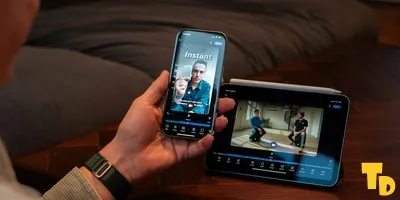
X outlined a package of creator tools on November 25 that makes its own app a more complete place to produce vertical video. The company described an expanded media editor for recording and finishing a post, tools for responding to other posts with video, and a browser-based Live Studio in beta. Some parts had already appeared separately. The update brings them together and clarifies which tools serve a creator making original footage and which are for working with a post that already exists.
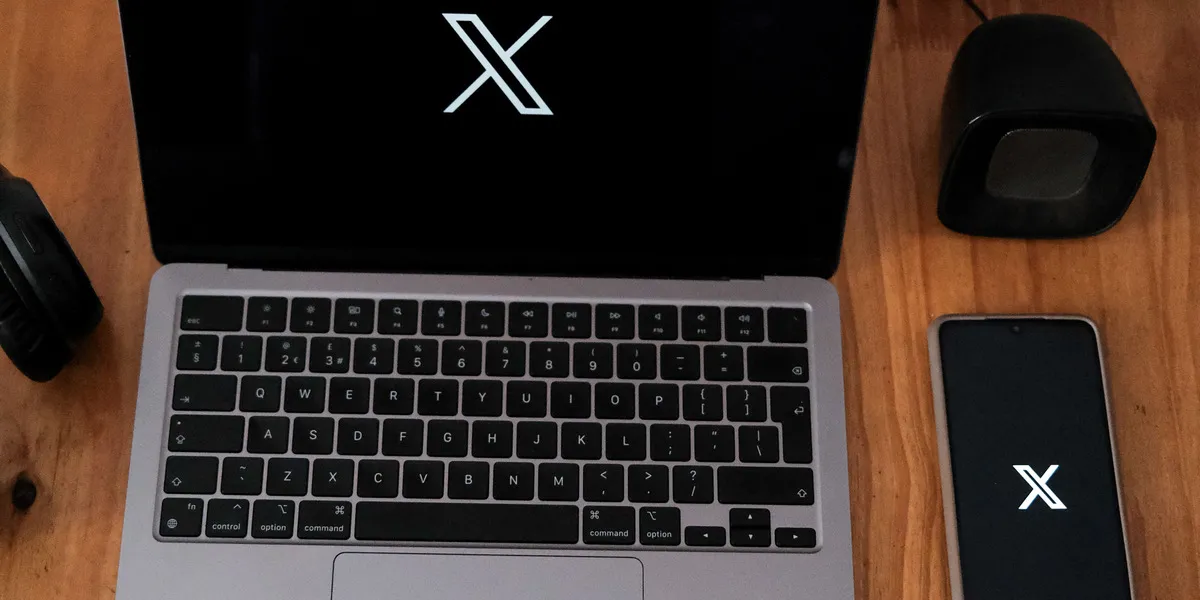
Source: Matias Mango / Pexels. Cropped January 2024 photograph of X branding on a laptop and phone, illustrating the two device types.
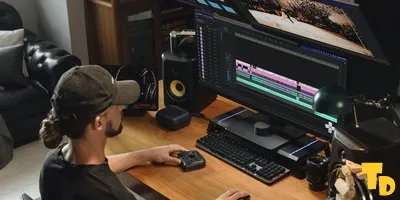
Start with a clip you recorded yourself. X described an editor that can record in segments, add a green-screen background, trim footage and generate captions. The editing tools also include choosing a thumbnail and turning a horizontal shot into a vertical layout. Thumbnail selection is also part of the publishing workflow for YouTube Shorts. A creator who records an introduction and a demonstration separately can bring those pieces together before publishing, without having to leave the post composer just to make the next cut.
An Excerpt Carries a Link Back to the Longer Video
Clipping begins with a different object: an eligible video already on X. The platform's clipping guide explains how to select a segment and post it with a reference to the original. The credit gives the viewer somewhere to go when an excerpt raises a question that the full conversation answers. A creator can also record a video response to a post, with the cited post in the background. That is a separate way to provide context without selecting a time range from someone else's video.
For an interview, the workflow choice changes the final post. A commentator who takes a moment out of an existing recording gets the source link attached to the excerpt. A commentator who films an original reply can build a new video around a different point. In both cases, the creator decides whether the original moment or the new commentary should lead. X’s earlier work on the video carousel concerned how videos are surfaced after posting.
Live Studio and the Bonus Have Their Own Entry Points
X also described Live Studio as a browser-based beta for managing broadcasts. It covers tasks such as scheduling a session and managing chat. The X Live help page points to it from the platform's regular live-video instructions. That makes it relevant before and during an event, while the media editor's trim and caption tools are principally part of assembling a video post.
The company describes its Video Kickstart Bonus as an invitation-only pilot for eligible original short vertical videos. An upload can use the new editing tools without qualifying for that program. Invitations and format requirements are a separate consideration for anyone planning to make a series around the new workflow.